Enriching Data with Symantec Endpoint Security
The Symantec Endpoint Security enrichment enables you to leverage Symantec data on the ThreatStream user interface. You can leverage Symantec Endpoint Security data for domains, hashes (SHA-265 only), and IP addresses (IPv4 only) on observables details pages in ThreatStream after activation.
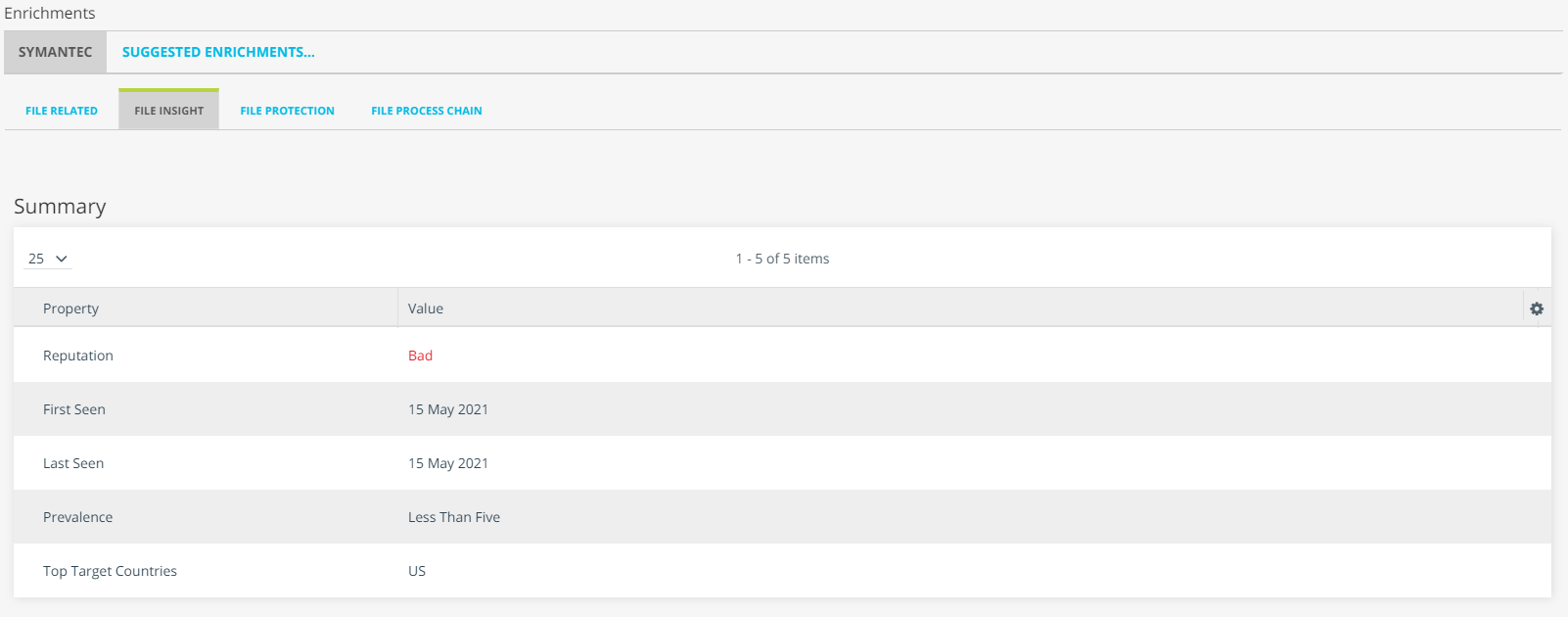
Symantec Endpoint Security returns the following data in table view in the Enrichments section:
Domain Observables
| Tab | Description |
|---|---|
| Domain Related | Related Observables: Observables in ThreatStream related to the domain. This tab also lists a Relation Type for each related observable. Click the Observable value to drill down on the related observable. |
| Domain Insight |
|
| Domain Protection |
Blocked: Anti-virus definitions related to the observable. This tab contains the following:
|
Hash Observables (SHA-256 only)
| Tab | Description |
|---|---|
| File Related | Observables in ThreatStream related to the hash. This tab also lists a Relation Type for each related observable. Click the Observable value to drill down on the related observable. |
| File Insight |
|
| File Protection |
Anti-virus definitions related to the observable. This tab contains the following:
|
| File Process Chain | List of processes from which the hash originated. |
IP Observables
| Tab | Description |
|---|---|
| IPv4 Related | Observables in ThreatStream related to the IP address. This tab also lists a Relation Type for each related observable. Click the Observable value to drill down on the related observable. |
| IPv4 Insight |
|
| IPv4 Protection |
Blocked: Anti-virus definitions related to the observable. This tab contains the following:
|
Explore Pivoting Tool
Symantec Endpoint Security also returns data displayed on the Related tab of the enrichment on the Explore pivoting tool.
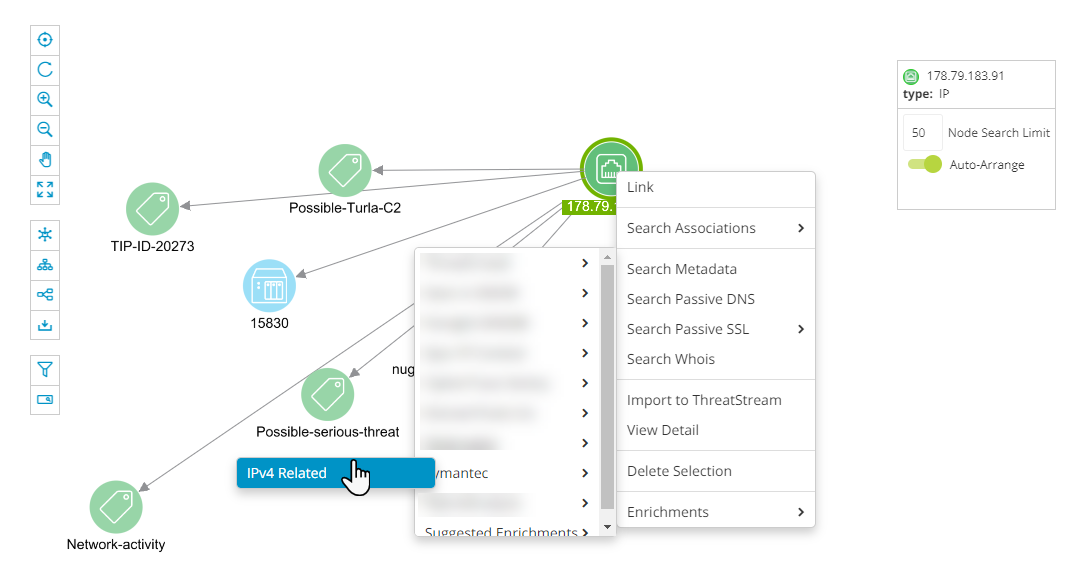
When you click IPv4 Related (for IP addresses), Domain Related (for domains), or File Related (for hashes), the enrichment populates the chart with related observables.
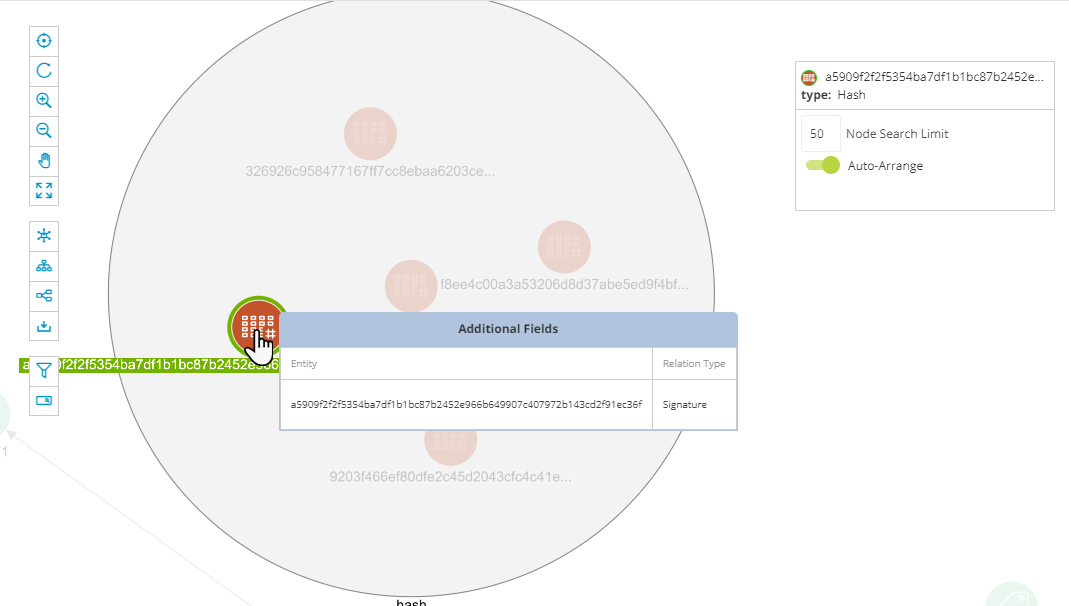
You can hover over related nodes to view associated Relation Types.
Activating the Symantec Endpoint Security Enrichment
Before activating the Symantec Endpoint Security enrichment, obtain your Client ID and Client Secret from the Symantec Endpoint Security console.
To activate the Symantec Endpoint Security enrichment:
-
Navigate to ThreatStream > APP STORE > APP Store.
- Click Get Access on the Symantec Endpoint Security tile.
- On the wizard that opens, click I have credentials.
- On the next wizard page, click Credentials.
- Enter your Client ID and Client Secret. Optionally, select an API base URL. By default, the Global API base URL is used if no region is selected.
- Click Activate.
The Symantec Endpoint Security enrichment is now active.